Know where to focus.
See which answers are marked correct, partly correct or in need of another look. Find the questions that need your attention without checking every answer yourself.
Homework help for families
You’ve found a wrong answer. Now comes the harder part: explaining why.
Photograph completed homework to get feedback on each question. See what needs attention, work through mistakes together and choose focused practice to help your child try again.
For iPhone and iPad · Import photos and PDFs · Write with Apple Pencil
A little less pressure at homework time
Start with your child’s own work. Get guidance that helps you see where they’re struggling and what to work on together.
See which answers are marked correct, partly correct or in need of another look. Find the questions that need your attention without checking every answer yourself.
Read feedback alongside your child’s answer to spot a missing step or misunderstanding. Use it as a starting point for talking through the problem together.
Turn mistakes into focused practice, or choose a worksheet from the library. Help your child put the explanation to use while it’s still fresh.
How it works
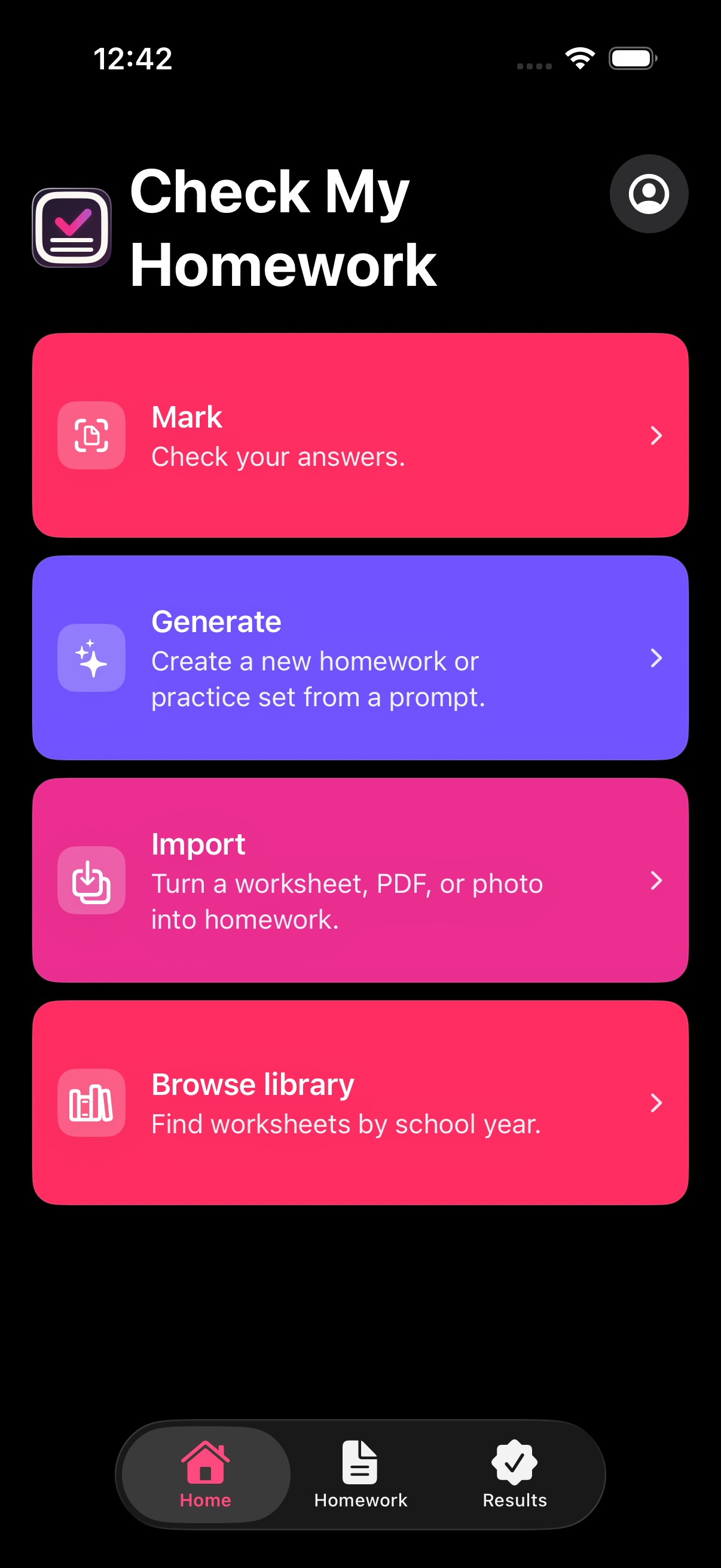
Take a photo of completed homework or import an image or PDF. Review feedback for each question alongside your child’s answer.
See where marks were lost and what could improve the answer. Talk through the tricky part together.
Select “Practise my mistakes” to focus on areas that need work, or “Generate more like this” for similar questions.
Let your child attempt the new questions, then check their answers or review the solutions and marking criteria together.
Keep the learning going
Find a ready-made worksheet or generate questions around what your child needs to practise.
Browse the public worksheet library by school year and subject. The growing collection covers Reception to Year 6, including maths, English and science.
Preview a worksheet and its marking guide, then answer on iPhone, write on iPad or print a copy.
Explore the worksheet libraryAfter a check, choose “Practise my mistakes” for focused questions or “Generate more like this” for another attempt at similar work. You can also describe a topic and select an age range.
Teaching content, hints and explanations help your child work through the questions and understand the answers.
Learn about generated practiceMade for family life
Switch between child profiles to find saved homework, practice and results. Pick up where they left off or revisit earlier feedback together.
Photograph work completed on paper, write on an imported worksheet with Apple Pencil or answer practice questions on iPhone. Print a PDF when it’s time to work away from the screen.
Their thinking comes first
Start with what your child has tried. Unanswered questions stay unmarked by default, and optional answer help is requested separately.
During practice, hints and explanations offer support as your child works through each question.
AI feedback can make mistakes. Use it to support learning, and check anything surprising with a teacher or trusted adult.
How checking and answer help workFind the tricky part. Work through it together. Give your child another chance to understand.
Download on the App Store